


1386-AA15 A-B Circuit Board
Use the mode switch to change the operation mode. The controller mode switch provides a mechanical means to enhance controller and control system security. You must physically move the mode switch on the controller to change its operating mode from RUN, to REM, or to PROG. When the mode switch on the controller is set to RUN mode, features like online editing, program downloads, and firmware updates are prohibited. See Table 7 for a complete list of prohibited features. The physical mode switch can complement other authorization and authentication methods that similarly control user-access to the controller, such as the following: • Logix CPU Security tool • FactoryTalk® Security service
Dependent on the mode of the controller you specify by using the mode switch, you can change the Operation mode of the controller in the Logix Designer application. After you are online with the controller and the controller mode switch is set to Remote (REM or the center position), you can use the Controller Status menu in the upper-left corner of the application window to specify these operation modes: • Remote Program • Remote Run • Remote Test
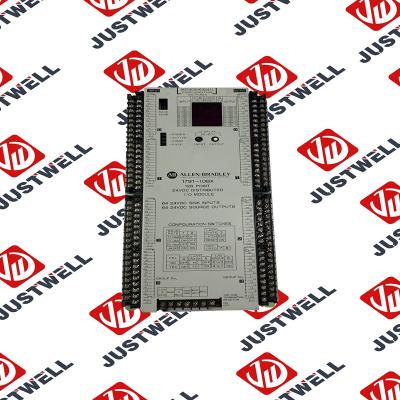
The structure and details of the product:
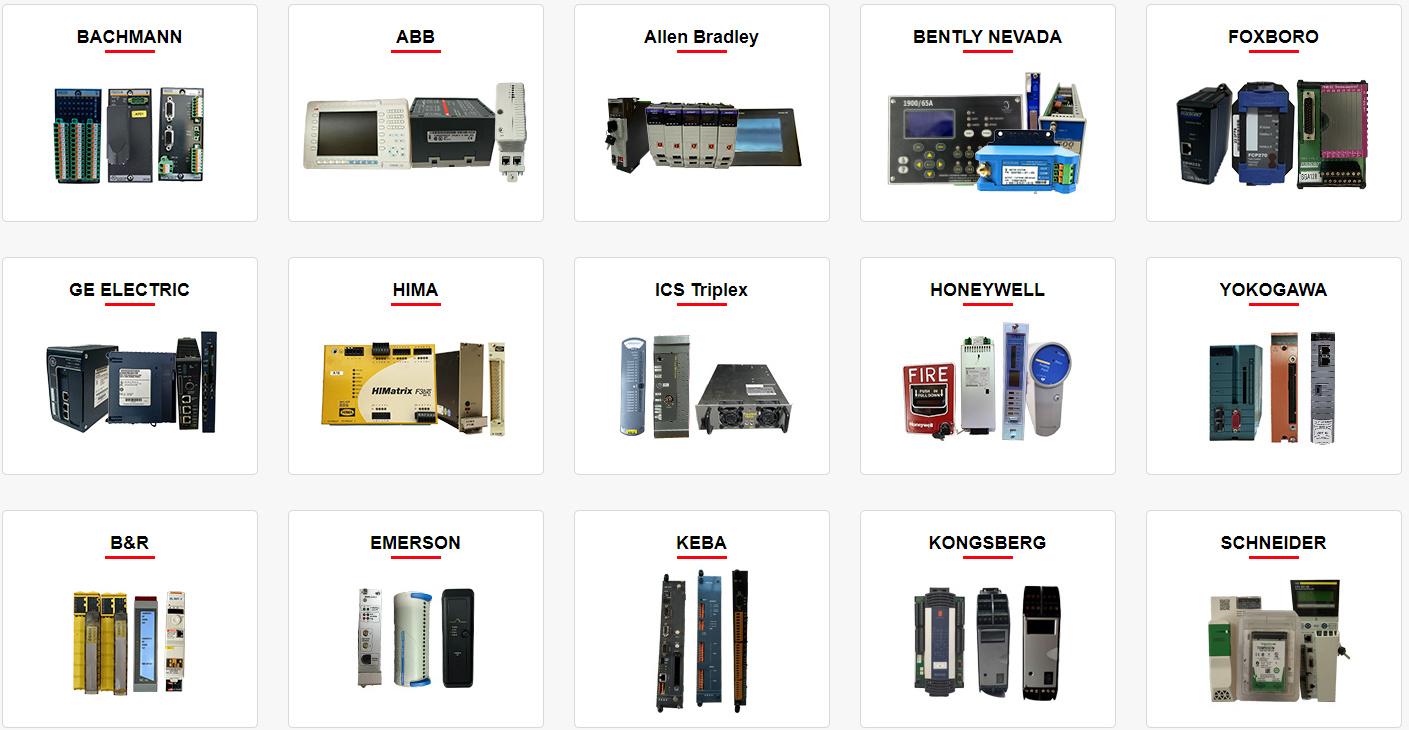 Please make an inquiry for more models
AB 1756-LSP
AB 1756-LSP/B
AB 1756-M02AE
AB 1756-M02AS
AB 1756-M03SE
AB 1756-M08SE
AB 1756-M1
AB 1756-M16S
AB 1756-M16SE
AB 1756-N2
AB 1756-OA16
Hot Tags : A-B 1386-AA15 Circuit Board
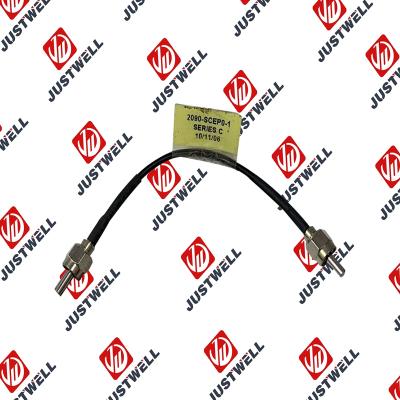
Rockwell Automation announces that as of December 31, 2025, the Kinetix 0.1-0.1m Fiber Optic Ca...
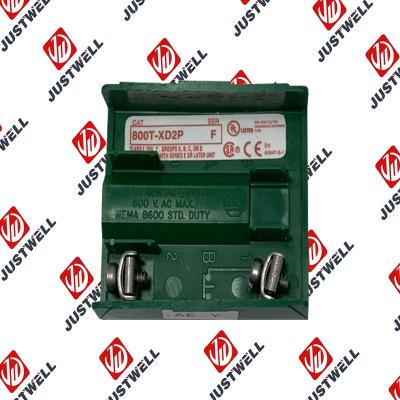
Rockwell Automation announces that as of December 31, 2019, the 30mm Contact Block 1-NC 800T PB...
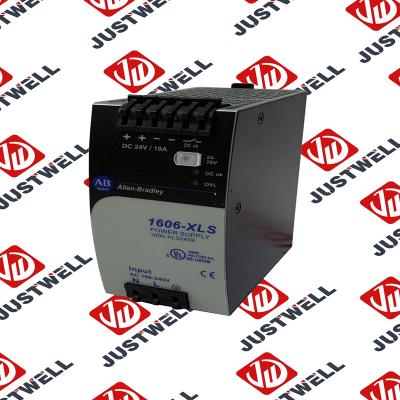
A-B 1606-XLS240E Processor module 24V,10A Single Phase Input Those responsible for the application a...
This document is the original document. All rights to this documentation are reserved by Pilz GmbH &...
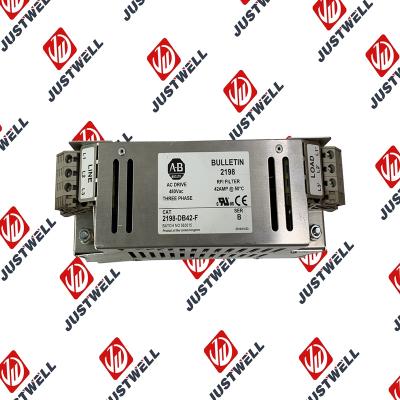
Representative Photo Only (actual product may vary based on configuration selections)
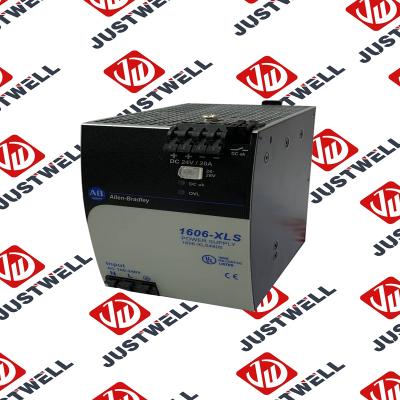
Power Supply, 480 W, 24V DC, No Special Function, Performance Family, Global Input Voltage This prod...
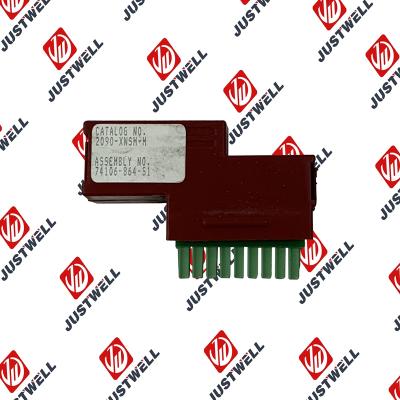
Rockwell Automation announces that as of December 31, 2025, the Kinetix Safe Off Header Connect...
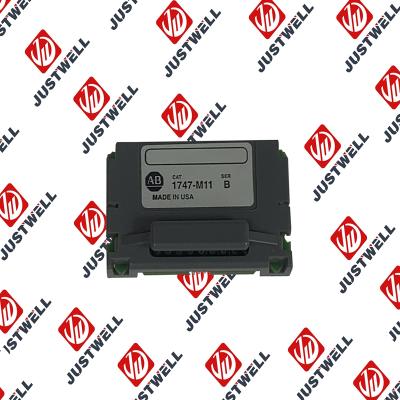
Troubleshooting and Product Information for 1747-M11 Download product information, troubleshooting g...

 IPv6 network supported


