


2080-SERIALISOL A-B Power Board
You must configure the PowerMonitor 5000 unit for the unit to meter and function properly. Configuration pages in the module set-up dialog box divide the required information into subcategories. Evaluate the system and application and determine the appropriate configuration settings, select the applicable configuration page from the navigation tree, and use the configuration pages to enter the settings. The Module Properties configuration pages provide a simple way for you to enter and edit PowerMonitor 5000 unit configuration parameters. Changes that you make to the configuration are not always immediately sent to the unit. The configuration data is stored in the configuration controller tag, [ModuleName]:C. Configuration data from the Configuration tag is written automatically to the PowerMonitor 5000 unit when one of the two conditions occur: • A connection is first established to the PowerMonitor 5000 unit • Changes are made in the configuration pages and applied when Online with the Logix Designer application
The structure and details of the product:
 Please make an inquiry for more models
AB 1756-LSP
AB 1756-LSP/B
AB 1756-M02AE
AB 1756-M02AS
AB 1756-M03SE
AB 1756-M08SE
AB 1756-M1
AB 1756-M16S
AB 1756-M16SE
AB 1756-N2
AB 1756-OA16
Hot Tags : A-B 2080-SERIALISOL Power Board
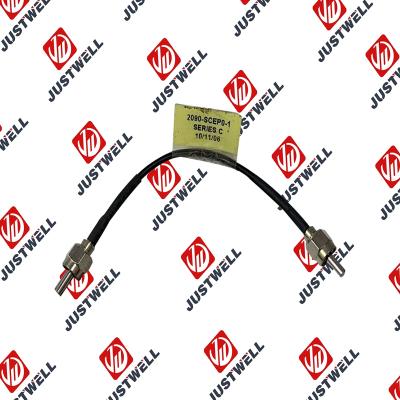
Rockwell Automation announces that as of December 31, 2025, the Kinetix 0.1-0.1m Fiber Optic Ca...
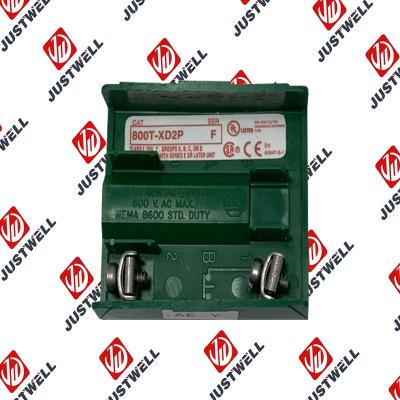
Rockwell Automation announces that as of December 31, 2019, the 30mm Contact Block 1-NC 800T PB...
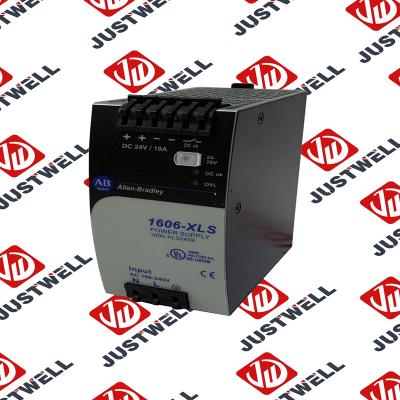
A-B 1606-XLS240E Processor module 24V,10A Single Phase Input Those responsible for the application a...
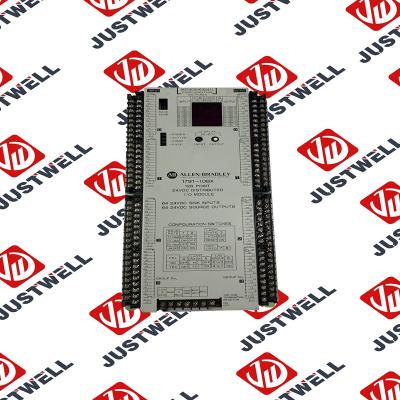
This document is the original document. All rights to this documentation are reserved by Pilz GmbH &...
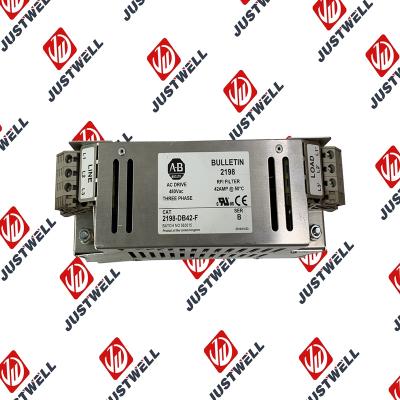
Representative Photo Only (actual product may vary based on configuration selections)
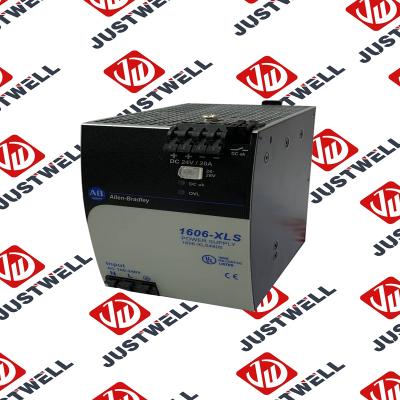
Power Supply, 480 W, 24V DC, No Special Function, Performance Family, Global Input Voltage This prod...
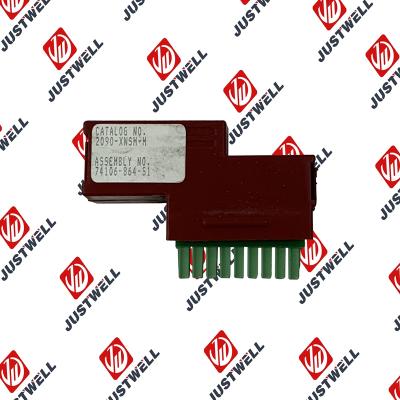
Rockwell Automation announces that as of December 31, 2025, the Kinetix Safe Off Header Connect...
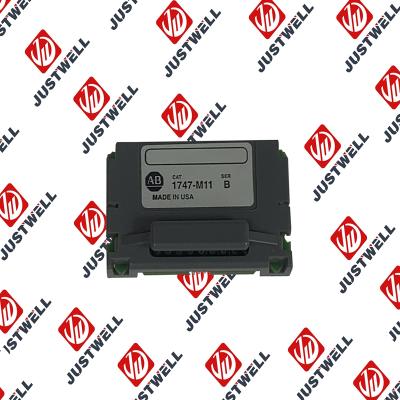
Troubleshooting and Product Information for 1747-M11 Download product information, troubleshooting g...

 IPv6 network supported


