

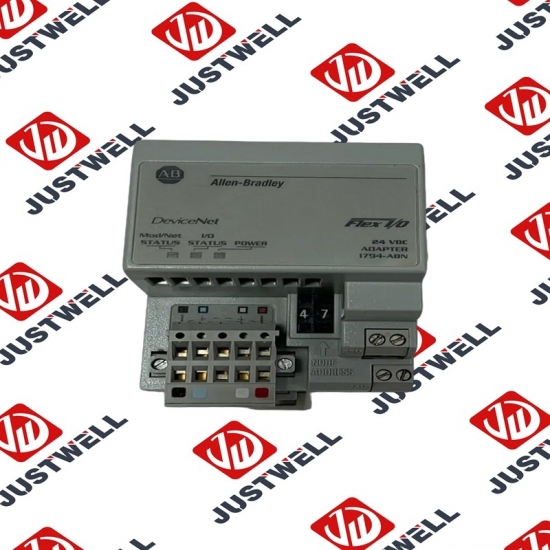
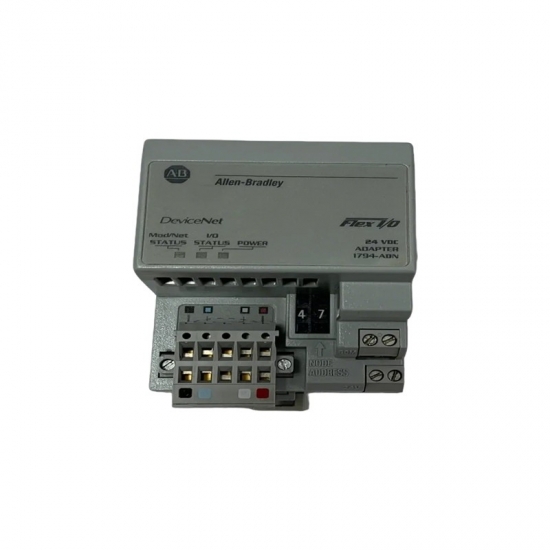
22P-D260A103 A-B Analog Input Module
Item NO.:
22P-D260A103Payment:
T/TProduct Origin:
USAColor:
NewLead Time:
IN STOCK22P-D260A103 A-B Analog Input Module
The Module Properties configuration pages provide a simple way for you to enter and edit PowerMonitor 5000 unit configuration parameters. Changes that you make to the configuration are not always immediately sent to the unit. The configuration data is stored in the configuration controller tag, [ModuleName]:C. Configuration data from the Configuration tag is written automatically to the PowerMonitor 5000 unit when one of the two conditions occur: • A connection is first established to the PowerMonitor 5000 unit • Changes are made in the configuration pages and applied when Online with the Logix Designer application Configuration Pages Enter the initial settings (parameters) to match your system application for each of the configuration tabs as shown in the following paragraphs. Review the settings and click Apply when complete. Descriptions for the configuration pages that are labeled General, Connection, Module Info, Internet Protocol, and Port Configuration are provided in the EDS AOP Guidelines for Logix Designer publication and EtherNet/IP Network Configuration, publication ENET-UM001. Each page contains four action buttons at the bottom of the tab. These buttons function as follows: • OK - Accepts the entered values for each screen and closes the Module Properties dialog box. • Cancel - Exits the screen without saving any changes. • Apply - Applies the current settings without leaving the screen. • Help - Accesses the help menu. The Logix Designer application performs configuration data checks as specified by the limits that are shown in the data tables. The data checks verify that the entry is within range for the device; however, the check does not verify that the entry is reasonable for the application. You must be sure that the entry is reasonable for the specific application. If you enter an out-of-range parameter in a Configuration tab, a message box reports the error and the appropriate limits.
The structure and details of the product:
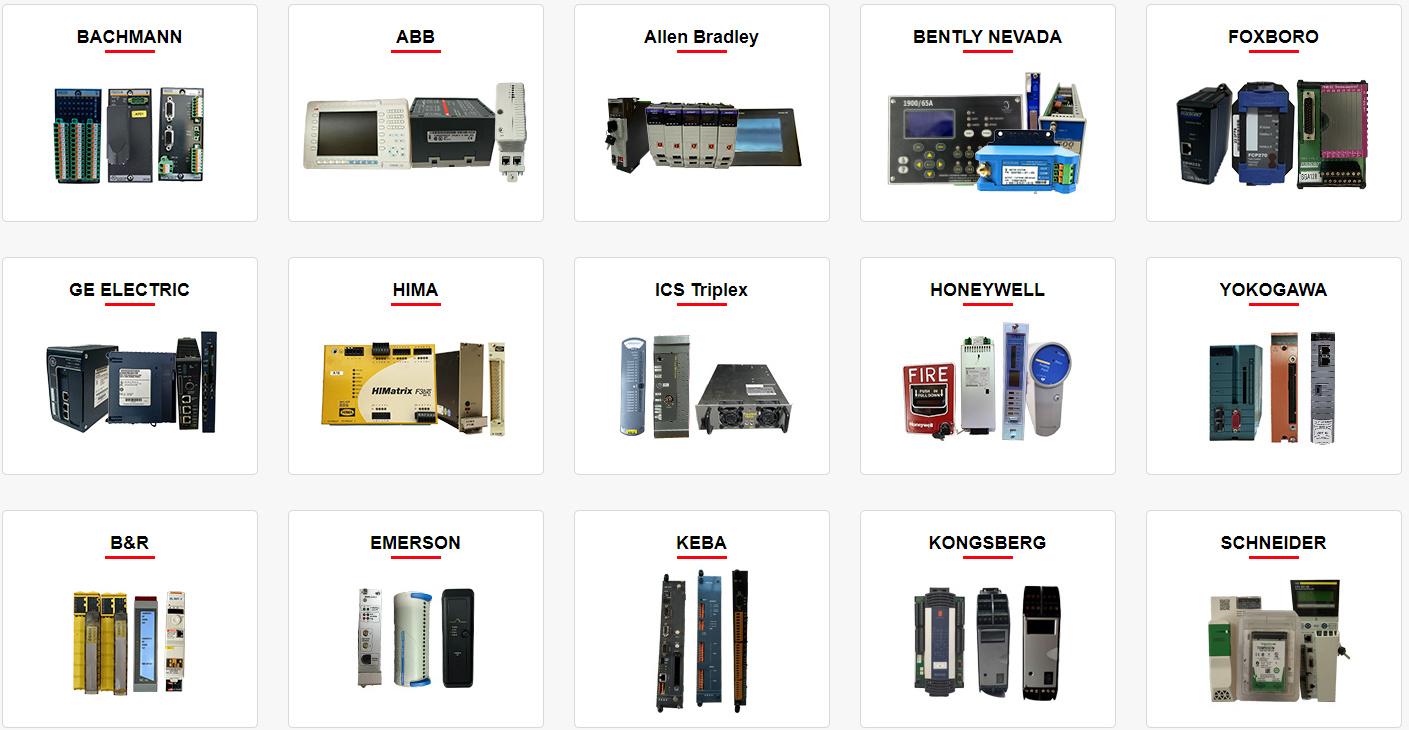 Please make an inquiry for more models
AB 1756-LSP
AB 1756-LSP/B
AB 1756-M02AE
AB 1756-M02AS
AB 1756-M03SE
AB 1756-M08SE
AB 1756-M1
AB 1756-M16S
AB 1756-M16SE
AB 1756-N2
AB 1756-OA16
AB 1756-OA16I
AB 1756-OB16D
AB 1756-OB16E
AB 1756-OB16I
AB 1756-OB16I/A
AB 1756-OB16IEF
AB 1756-OB16IS
AB 1756-OB32
AB 1756-OB32/A
AB 1756-OB8
AB 1756-OF4
AB 1756-OF41794-ADN
AB 1756-OF6CI
AB 1756-OF6VI
AB 1756-OF8
AB 1756-OF8/A
AB 1756-OF81
AB 1756-OG16
AB 1756-OH8I
AB 1756-ON8
AB 1756-OV16E
AB 1756-OV32E
AB 1756-OW16I
AB 1756-OW16I/A
AB 1756-OX8I
AB 1756-PA72
AB 1756-PA72/B
AB 1756-PA72/C
AB 1756-PA75
AB 1756-PA75/A
AB 1756-PA75/B
AB 1756-PA75R
AB 1756-PAR2
AB 1756-PB72
AB 1756-PB75
AB 1756-PB75R
AB 1756-PBR2
AB 1756-PC75
AB 1756-PLS
AB 1756-PSCA2/A
AB 1756-RM
AB 1756-RM2
AB 1756-RM2/A
AB 1756SC-CTR8
AB 1756-SRM/B
AB 1756-TBCH
AB 1756-TBNH
AB 1756-TBS6H
Other best-selling products:


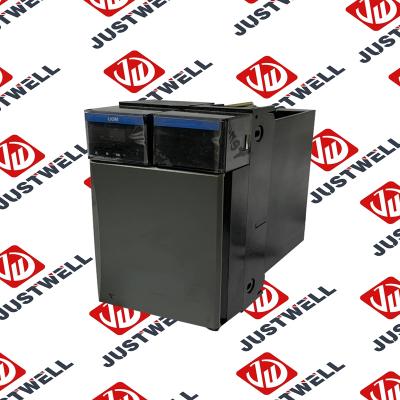
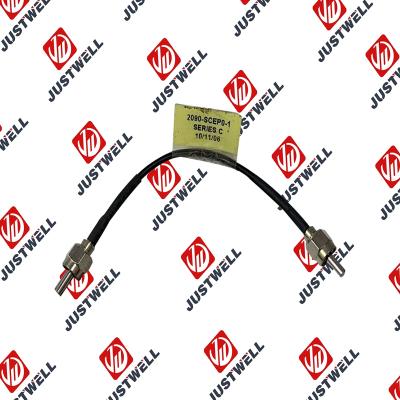
Rockwell Automation announces that as of December 31, 2025, the Kinetix 0.1-0.1m Fiber Optic Ca...
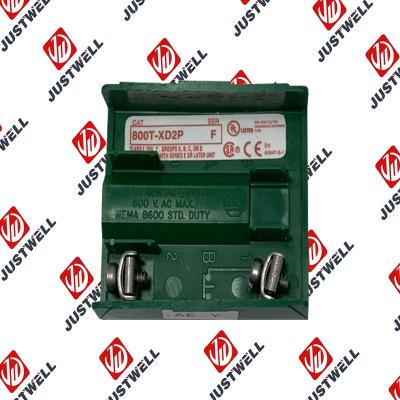
Rockwell Automation announces that as of December 31, 2019, the 30mm Contact Block 1-NC 800T PB...
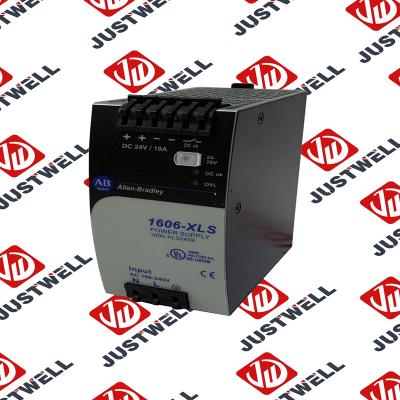
A-B 1606-XLS240E Processor module 24V,10A Single Phase Input Those responsible for the application a...
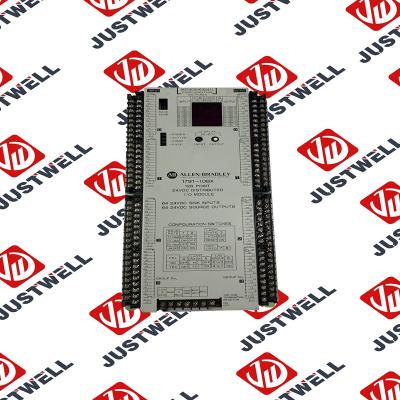
This document is the original document. All rights to this documentation are reserved by Pilz GmbH &...
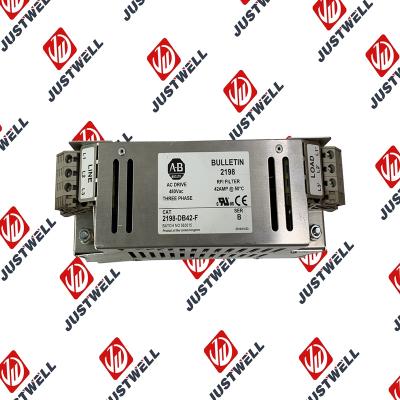
Representative Photo Only (actual product may vary based on configuration selections)
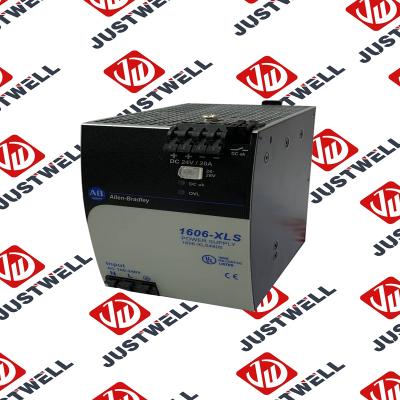
Power Supply, 480 W, 24V DC, No Special Function, Performance Family, Global Input Voltage This prod...
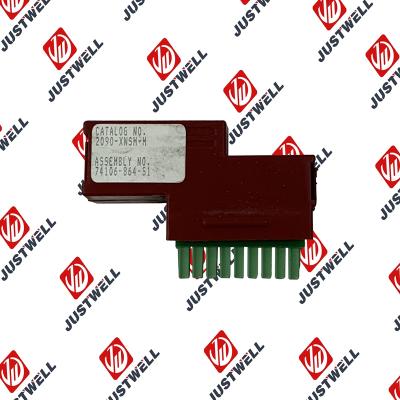
Rockwell Automation announces that as of December 31, 2025, the Kinetix Safe Off Header Connect...
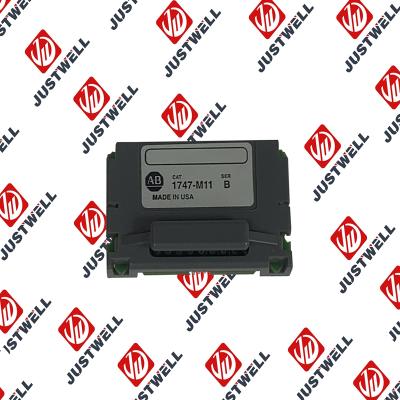
Troubleshooting and Product Information for 1747-M11 Download product information, troubleshooting g...

 IPv6 network supported


